
Spatial audio by proximity
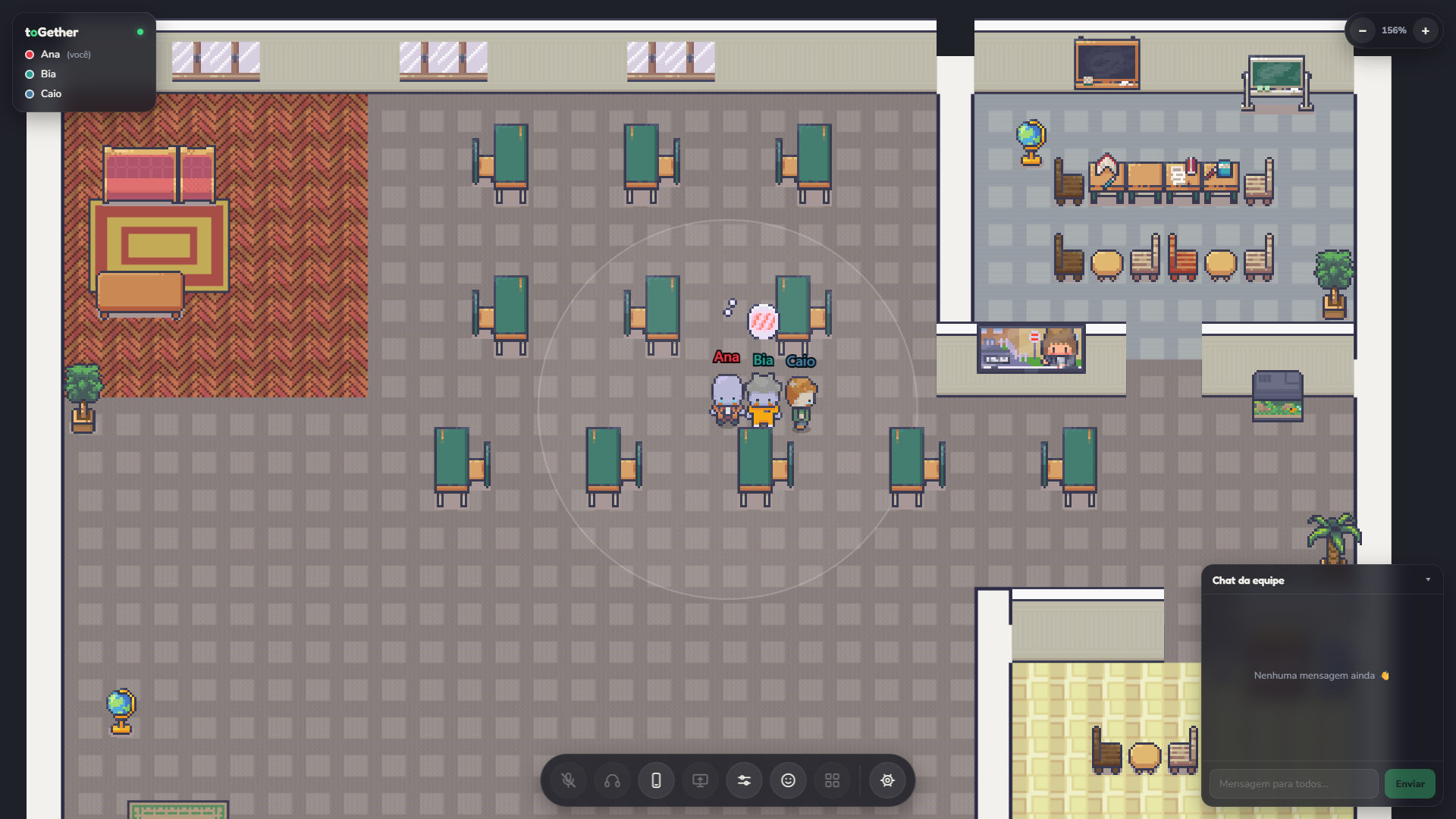
Walk up and the conversation flows. Volume adjusts to natural distance, letting quick chats start without the friction of creating links or booking rooms.
Your operation's digital headquarters
KodaPlace gives your remote team back the natural visibility of working in person. Walk up to a colleague to talk over spatial audio and share your screen instantly. Frictionless collaboration, right in the browser.
WASD to walk · double-click to go there · E to sit
Features
Your Digital HQ is designed to emulate physical proximity. Audio reacts to natural distance and the microphone is always muted by default: your operation's privacy comes first.
Walk up and the conversation flows. Volume adjusts to natural distance, letting quick chats start without the friction of creating links or booking rooms.
With one click, create an acoustic isolation perimeter around you and a colleague. Noise from the rest of the office is muffled. Efficient side conversations without leaving your desk.
Show your work immediately to whoever is beside you. Sharing happens only within your range, protecting the focus of anyone far from the discussion.
Cut the anxiety of remote work by knowing exactly who is at their desk, focused or away. One click stops your interactions but keeps things transparent for the team.
Speed up corporate interactions: click a teammate and go straight to their desk. Or use Follow to keep up with them in roaming meetings.
Dedicated spaces where audio focuses on the group: everyone in the room hears each other perfectly. Sound from the rest of the office is blocked, guaranteeing full privacy and security for strategic discussions.
Create digital representations for your people quickly and at scale. Visual onboarding is built around recognizing teams at a glance in the space.
The infrastructure that guarantees low latency while respecting strict corporate security policies.
Immediate alignment
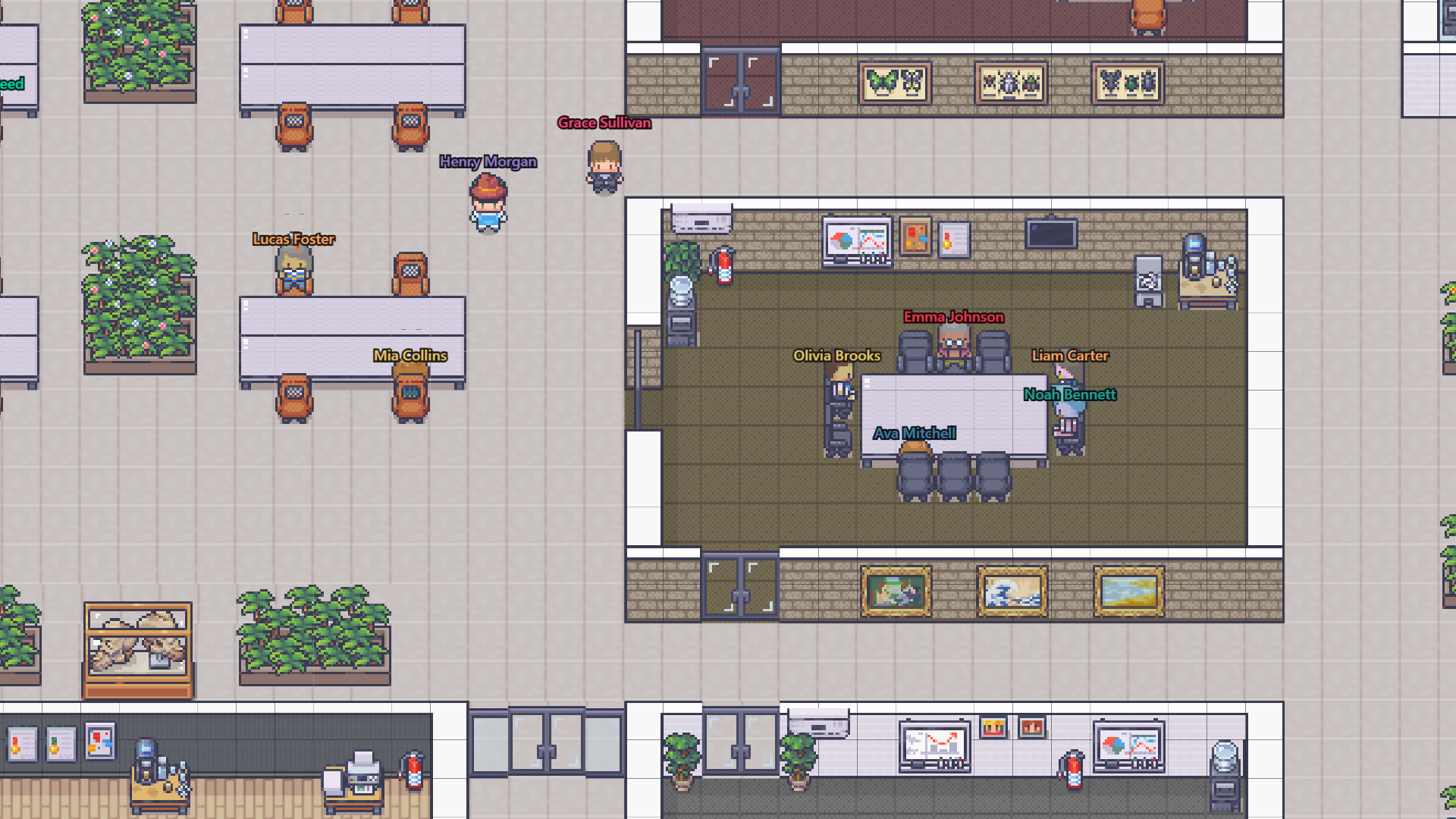
In a busy space, click a colleague to open an acoustic isolation perimeter (Booble). You hear each other clearly right away, and the rest of the room turns into background noise. Decision made? Step out of the circle and the connection dissolves — no button to hang up.
Fast rollout
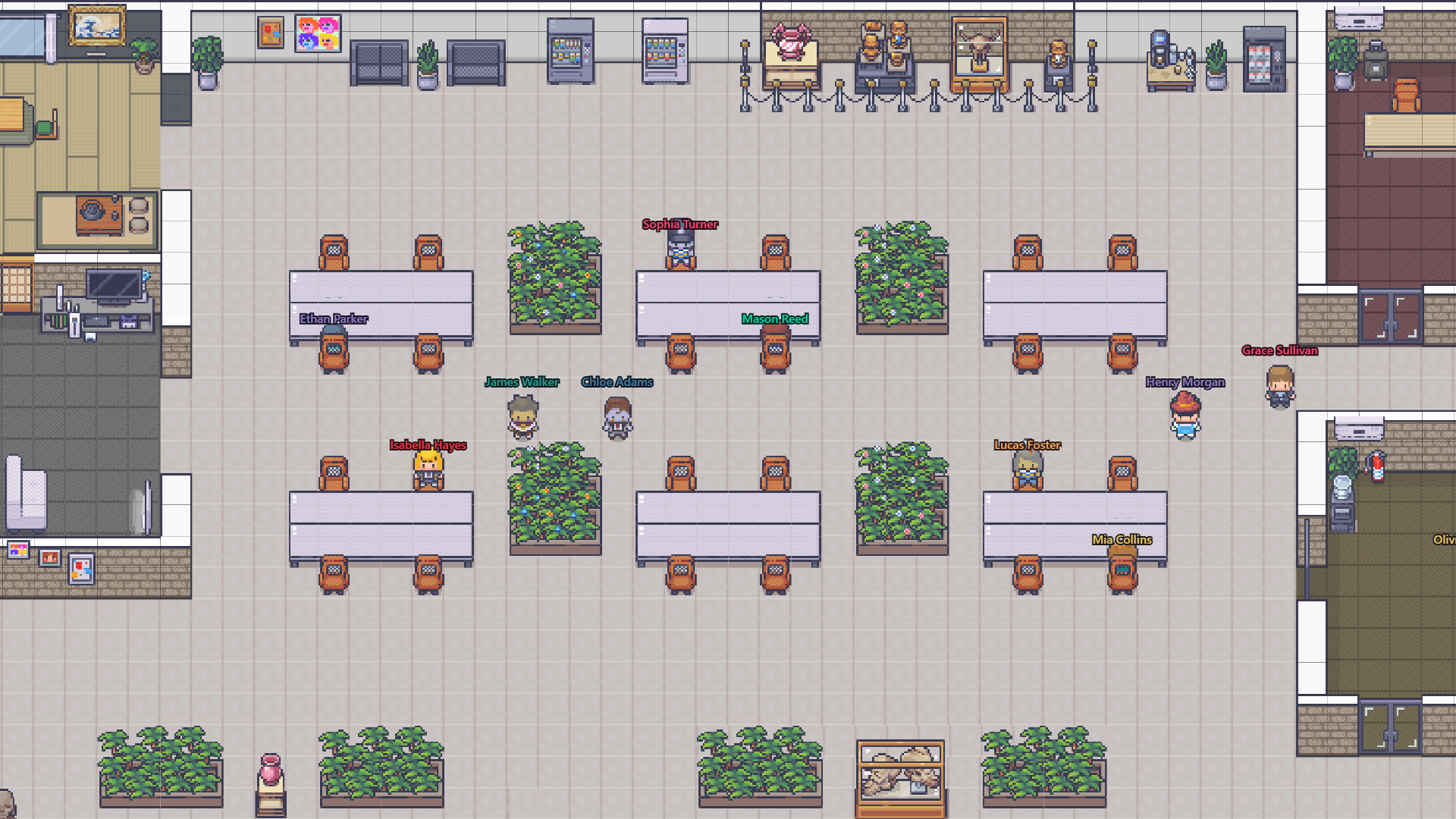
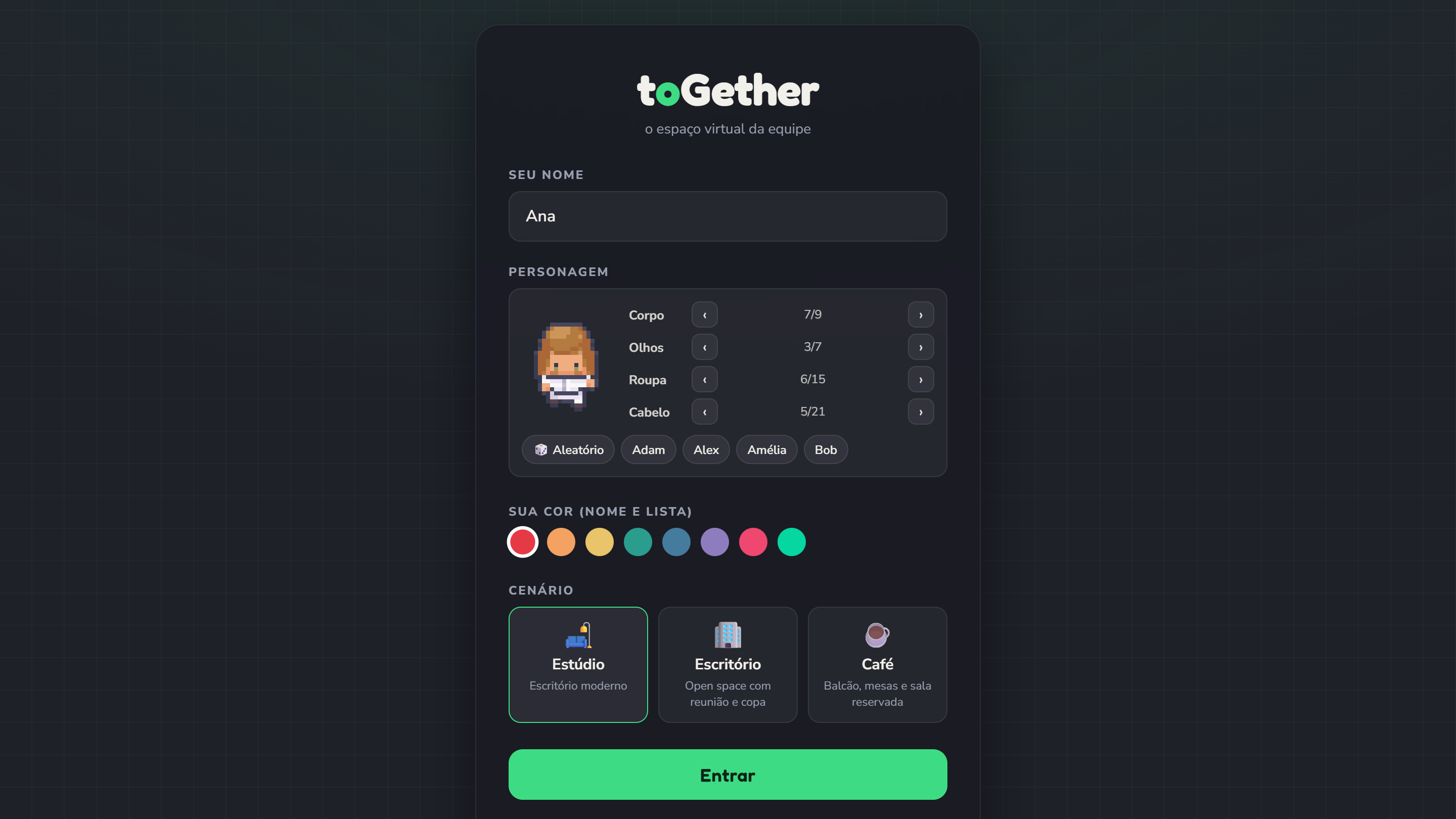
Create your world in KodaPlace, customize your digital office and send invites by link, quickly and securely.
Straight into the browser. Your teammate joins, sets up their Digital Twin in seconds and is already inside the company HQ.
Move around the office and step up to colleagues to talk or share your screen on the spot, with privacy guaranteed by default.
Pricing and plans
No hidden fees. One price per team member, starting at 5 users, with 30 days free to try it before you pay.
30 days free
US$ 8/user per month
Custom
FAQ
No, access can be 100% through the browser. But for day-to-day use we also offer a Windows app, with an immersive, minimal experience right in your taskbar.
Yes! The platform is fully optimized and tested to run with high performance on current browsers, including Chrome, Edge, Safari and Firefox.
Security and privacy are our foundation. We follow a Zero Trust model: data traffic in the audio zones and the isolated areas (Boobles) does not leak. On top of that, users only enter your world through invites and are limited by the permissions you set.
As many as you need, with no number to pick upfront. Billing follows your team: each person counts as one user from the moment they accept the invite, with a minimum of 5. Anyone who joins mid-month shows up prorated on the next invoice; anyone who leaves stops being billed from the next invoice. Guests (clients, candidates, partners) join with a temporary pass and don't count.
You can create your account right now and get 30 days free, no credit card needed, with your whole team. With a partner coupon, the free period can be longer. If you want a hand with your setup, book a demo with our sales team.